



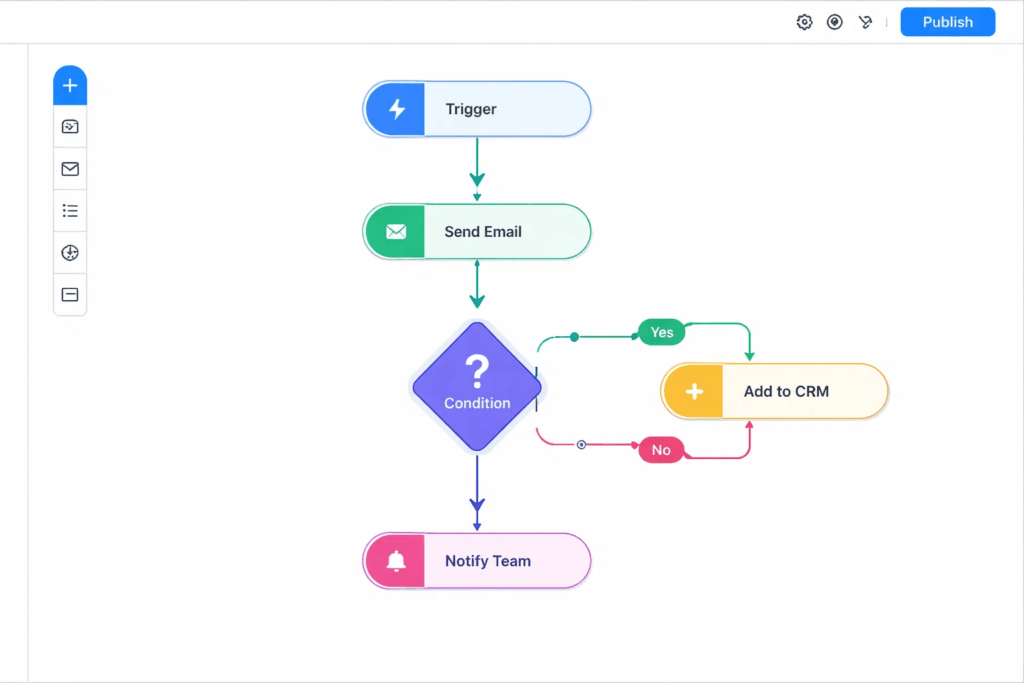
No-code software is a way to build apps, automations, and workflows without writing traditional code. Instead of programming, you use visual building blocks like drag-and-drop components, form builders, workflow steps, and prebuilt integrations.
For a B2B SaaS team, the value is simple. You can ship internal tools, prototypes, and customer-facing experiences faster, with less dependency on engineering time. It is not magic, and it is not a replacement for good product thinking. But it can remove a lot of bottlenecks.
Jump to:
Why Are B2B SaaS Teams Even Looking At No-Code Software Right Now?
Most teams are not chasing trends. They are trying to solve very practical problems:
Product queues are full. Engineering is focused on the core roadmap. Ops and marketing still need things built. Sales wants faster experiments. Support needs better tooling. Every request sounds small, but they add up.
No-code tools step into that gap because they let non-engineers create working systems, or at least get close enough that engineering only needs to polish and harden.
In a typical B2B SaaS company, no-code tends to show up in three places:
- Internal operations (rev ops, customer success, support workflows)
- Customer lifecycle experiences (onboarding flows, self-serve forms, portals)
- Experimentation (landing pages, MVPs, pricing tests, concierge prototypes)
What Problems Can No-Code Software Actually Solve In B2B SaaS?
This is where people either get real value or waste weeks building something that should have been a spreadsheet.
Here are problems that no-code is genuinely good at solving:
Reducing manual work: turning repeated tasks into automated workflows.
Fixing messy handoffs: routing leads, tickets, approvals, and follow-ups.
Building internal tools quickly: dashboards, admin panels, data entry tools.
Launching experiments: validating demand before building it “for real”.
Creating lightweight customer experiences: forms, calculators, simple portals.
It shines when the process is clear, and the risk is low. It struggles when the requirements are complex, performance sensitive, or security heavy.
Is No-Code Software The Same Thing As Low-Code?
They are related, but not the same.
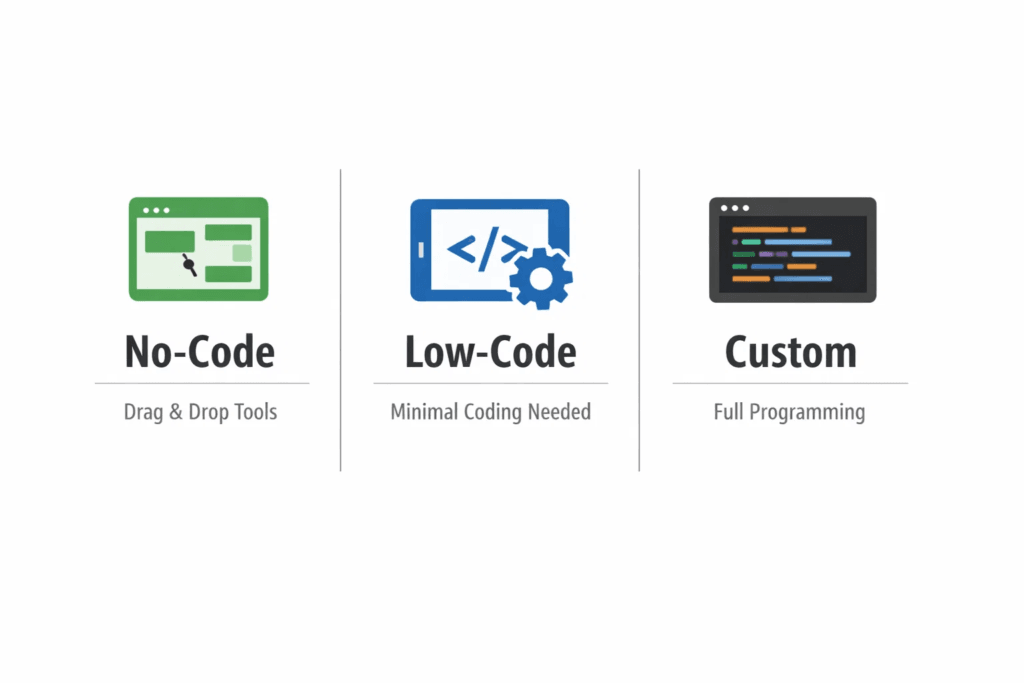
No-code usually means a non-technical person can build and publish something without touching code. Low-code usually means developers can build faster by using frameworks, templates, and small amounts of code where needed.
A practical way to think about it:
- No-code is for speed and accessibility
- Low-code is for speed with developer flexibility
- Custom code is for full control
When Should You Choose No-Code Instead Of Building Custom?
Ask one question first.
Is this part of our competitive advantage, or just a necessary workflow?
If it is core product logic, deep integrations, or something that must scale to tens of thousands of users reliably, you probably want custom code or at least a low-code approach.
If it is internal tooling, early validation, or a process that changes every month, no-code can be the smarter business decision.
What Can You Build With No-Code Software?
People often assume it is just landing pages. That is outdated.
Today, teams build things like:
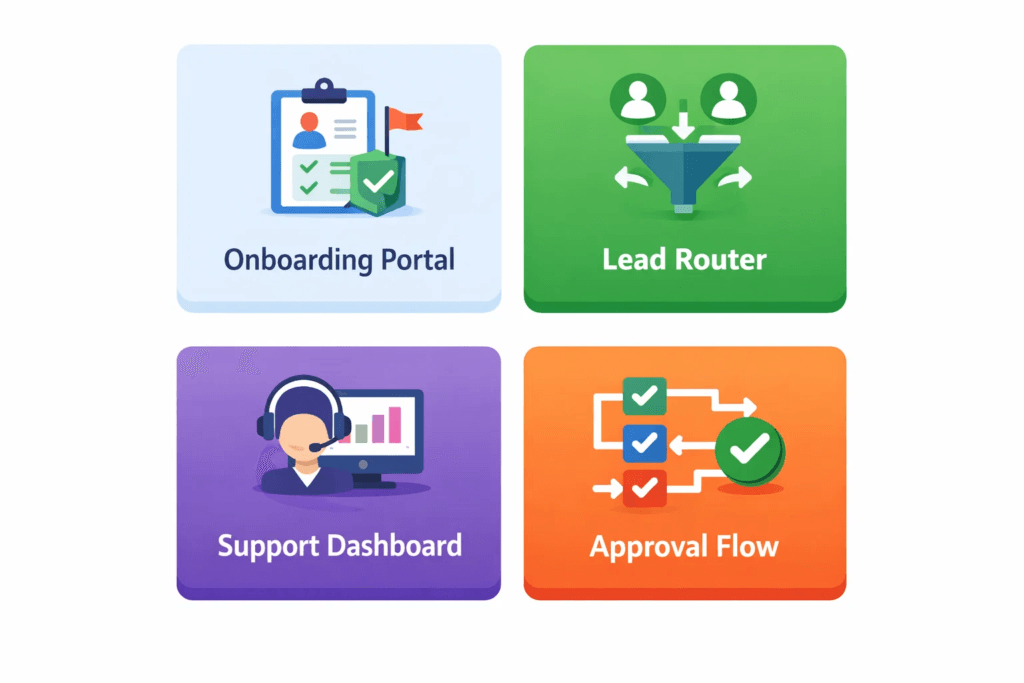
- Internal CRM add-ons and lead routing systems
- Client onboarding checklists and portals
- Knowledge bases and help centers
- Approval workflows for discounts and contracts
- Automated reporting dashboards
- Customer request forms that trigger multi-step workflows
- Simple marketplaces or directories
- Event registration and follow-up sequences
The key is not “can we build it?” The key is “should we build it here?”
How Do No-Code Tools Connect With Your Existing Stack?
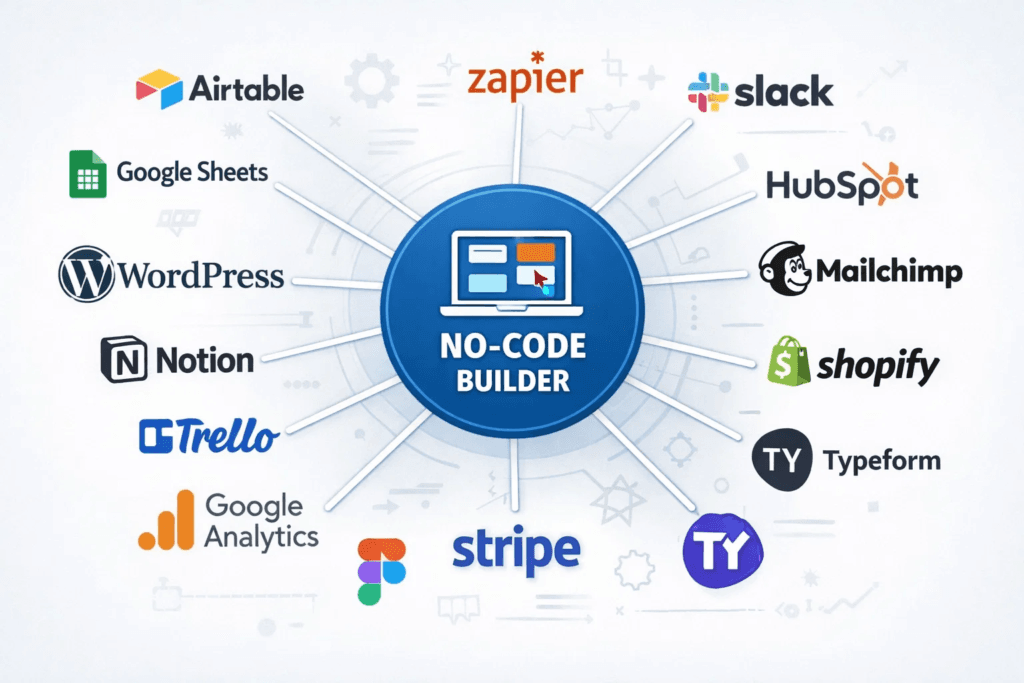
For B2B SaaS companies, no-code only works if it plugs into what you already use. That usually means:
- CRM (HubSpot, Salesforce)
- Product analytics (Mixpanel, Amplitude)
- Data warehouse (BigQuery, Snowflake)
- Support (Zendesk, Intercom)
- Payments (Stripe)
- Email and automation (Customer.io, Marketo)
- Internal comms (Slack)
Most modern no-code platforms connect through native integrations, webhooks, or APIs. If your team already exposes clean APIs internally, no-code becomes much more powerful because you can safely “snap” new workflows onto existing systems.
Will No-Code Software Create A Mess Later?
It can, if you treat it like a free-for-all.
The most common failure mode looks like this: every team builds its own thing, data definitions drift, and you end up with multiple sources of truth. Then, the leadership blames the tool when the real issue was governance.
If you want no-code to scale inside a B2B SaaS org, set lightweight rules early:
Keep one owner per app or workflow.
Document what data it writes and reads.
Define what “source of truth” means for key fields.
Use shared templates where possible.
Review anything customer-facing with security in mind.
How Safe Is No-Code Software For Customer Data?
Security depends more on the vendor and your implementation than on the concept itself.
If you handle sensitive customer data, ask these questions before you build:
Where is data stored, and is it encrypted?
Can you restrict access by role and team?
Does it support SSO and audit logs?
What compliance does the vendor support (SOC 2, ISO 27001, GDPR)?
Can you isolate environments (dev vs production)?
A good rule: internal tools can often move faster, but customer-facing workflows should meet the same bar as your product.
How Do You Avoid Vendor Lock-In with No-Code?
Vendor lock-in is real. But it is not always a deal breaker.
Instead of trying to avoid it completely, manage it intelligently:
Keep your core data in systems you control (warehouse, CRM, database).
Use no-code to orchestrate, not to own critical logic.
Document workflows and keep exports of configurations when possible.
Prefer tools that support APIs, webhooks, and standard auth.
If the tool disappears tomorrow, you want your data, your process, and your logic to still be understandable.
Can No-Code Software Help You Validate Product Ideas Faster?
Yes, this is one of the best use cases.
Example: Testing A New Feature Without Waiting For A Full Build
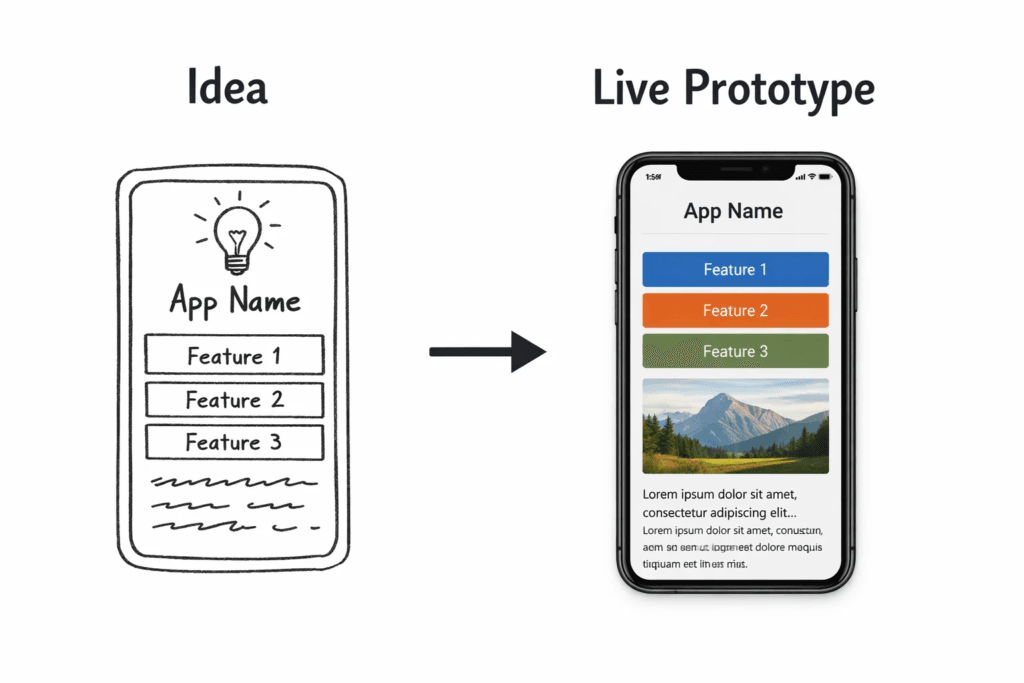
Say your team wants to add a “Partner Directory” feature to your B2B SaaS platform.
Instead of committing to a full product build, you can:
Create a directory in a no-code database
Publish it behind a login
Track engagement and submissions
Manually approve listings at first
Use the results to decide if it is worth building natively
This approach reduces risk. You learn whether customers care, what they expect, and what the real requirements are.
What Should You Not Build With No-Code Software?
This part saves a lot of pain.
Avoid no-code for:
Core billing logic or payment processing that needs deep customization
High traffic, performance-sensitive customer experiences
Anything requiring complex permission hierarchies
Features that must be deeply embedded into your product architecture
Highly regulated workflows without strong vendor compliance support
No-code is a great lever, but it is still a lever. Use it where it multiplies speed, not where it creates hidden risk.
How Do You Pick The Right No-Code Tool For Your B2B SaaS Team?
Start from the job, not the tool.
Ask what you are building:
A marketing site?
A workflow automation?
An internal app?
A customer portal?
A data-driven dashboard?
Then evaluate platforms based on:
Ease of use for the builder
Integration depth with your stack
Permission controls and auditability
Performance and reliability
Pricing that makes sense at scale
Support, community, and documentation
Also consider who will own it. A tool that is perfect for marketing may be painful for rev ops, and vice versa.
How Do You Roll Out No-Code Without Creating Chaos?
Treat it like a product inside your company.
Pick one high-impact workflow. Ship it. Measure it. Then expand.
A simple rollout plan that works well:
Choose one team and one use case
Create a template and naming convention
Define data ownership and access
Publish a short internal guide
Review monthly and prune old workflows
This is how no-code becomes an advantage instead of a pile of random mini apps.
What Does A Healthy No-Code Stack Look Like In B2B SaaS?
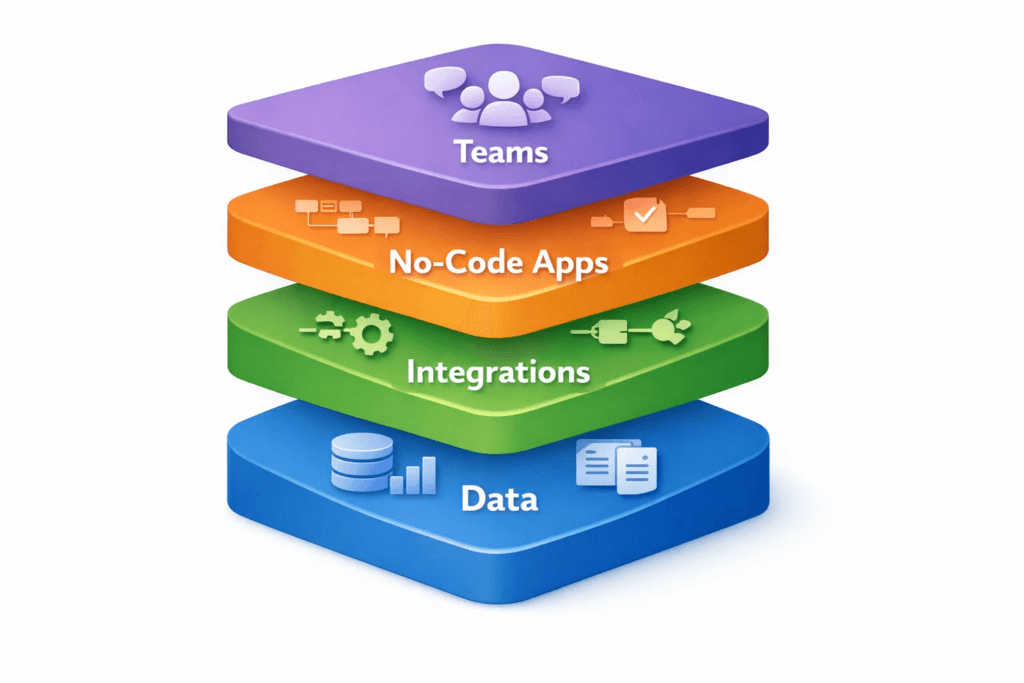
A healthy setup usually has:
A clear system of record for core customer data
A warehouse or reporting layer for analytics
No-code tools for orchestration and internal apps
Standard integrations using APIs or webhooks
Basic governance and ownership
It feels boring, in a good way. People can build fast, but the company still trusts its data.
Final Takeaway: Is No-Code Software Worth It For B2B SaaS?
If you want speed, experimentation, and fewer bottlenecks, no-code can be a big win.
Just keep the tradeoffs in mind:
It is best for workflows, internal tooling, and validation.
It needs guardrails to avoid messy systems.
Your core product still deserves engineering focus.
Used well, it helps your team move faster without breaking what matters.
Quick FAQ
Does No-Code Software Replace Developers?
Not really. It reduces the load on engineering for smaller builds and lets developers focus on core platform work.
Is No-Code Only For Non Technical Teams?
No. Many technical teams use it to ship internal tools faster and prototype product ideas.
Image suggestion: A minimal illustration of a mixed team collaborating on a whiteboard.
How Do We Decide What Belongs In No-Code Versus Product Code?
If it is core to your differentiation, or it must scale and integrate deeply, build it properly. If it is a workflow or experiment, no-code is often the right first step.